I have not been using Photoshop to convert my color photos to black and white, instead I have used Lightroom. Now I am not really that proficient with Lightroom either. I am still learning ...s - l - o -w - l - y but trying. I was happy with the results I was getting with LR for the most part, they just didn't have the pop as did other photographers work. So I decided to try my hand using Photoshop to do the converting and developing.
Well, here is the photo that I have been working with:
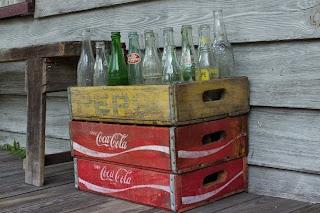
This is a shot right out of the camera , the only thing I did with it is to reduce the size for the web and change to JPEG.
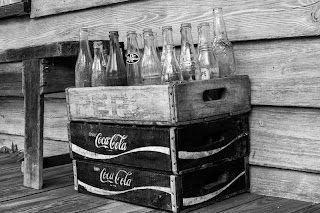
This first one is the photo I did in Lightroom. I liked it but thought it could be better.
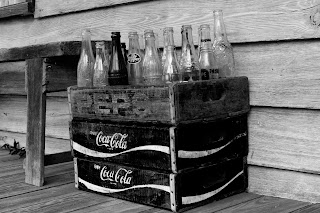
Here is the results in Photoshop. I think I should bring back more of the detail in the grain of the wood on the wall. But I had a lot more control with Photoshop. You can see this in the Pepsi box. I liked the darkening of the yellow and bringing out the faded writing more.
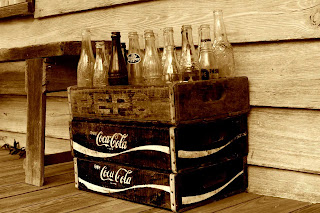
After a bit of tweaking, I came up with a sepia tone ...sort of?
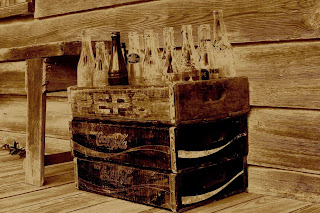
This is a process called solarizing or the Sabattier effect after French photographer and scientist Armand Sabattier, who described the effect in1862.
I am not going to, or am I qualifided to explain the process that I used in these adjustments. But I will tell you that for most of what I did I used what I read in the book "
Creative Black and White" Digital Photography Tips and Techniques by Harold Davis. I don't get anything from Amozon for this link but just wanted you to be able to see where I got the book.
So for now I will keep reading , learning and practiceing.